Price match guarantee - find a better deal? We'll Beat it!
.JPG)
Get your phone fixed without leaving your doorstep
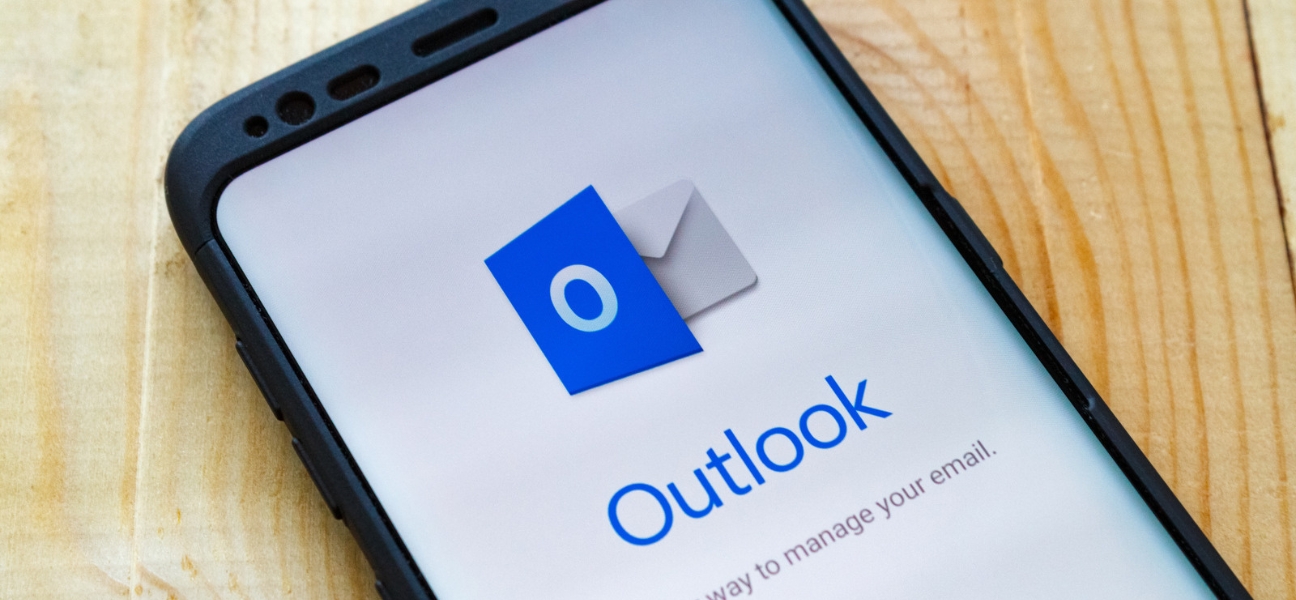
You just got a new iPhone, switched email providers, or finally decided to add your work account alongside your personal inbox. Now you just need your email back.
The good news is setting up email on an iPhone is usually quick, even if you're managing multiple accounts. Most problems come down to passwords, verification codes, or server settings—not a broken phone.
This guide walks you through how to add email automatically, manually set up less common providers, and troubleshoot the most common issues. If email still won't cooperate, Pull Up® Phone Repair offers mobile iPhone repair in Queens NY, with on-site help for email setup, account syncing, and connectivity issues.
Apple's Mail app makes it easy to keep everything in one place.
Benefits include:
For many users, it's the easiest way to stay organized.
Automatic setup works with many of the most popular email services, including:
To set up your email:
Automatic setup allows your iPhone to pull server settings on its own.
That means:
Manual setup is sometimes required for:
If your provider isn't listed:
You may need to enter:
If you're unsure, contact your email provider for the correct details.
Apple Mail offers:
Third-party apps often provide:
There isn't a universal answer.
The right choice depends on your preferences, how you work, and the features you value most.
Double-check your credentials carefully.
If necessary:
If two-factor authentication is enabled:
If setup fails:
If you see this message:
Even after setup, syncing problems can happen.
Common causes include:
To customize how often Mail checks for messages:
Go to:
Settings → Apps → Mail → Mail Accounts → Fetch New Data
Choose between:
To adjust alerts:
Go to:
Settings → Notifications → Mail
You can customize:
The right settings help you:
Sometimes the issue goes beyond Mail settings.
Watch for signs such as:
At that point, professional diagnostics can help identify the underlying problem.
Incorrect passwords, verification delays, and server connection problems are the most common reasons.
Go to Settings → Apps → Mail → Mail Accounts → Add Account → Other, then enter your account information.
This means the mail server certificate cannot be confirmed. Restart your device and verify the settings with your provider.
Yes. Gmail and Outlook apps are available through the App Store and offer their own features and notification systems.
Not usually. However, excessive notifications and aggressive syncing schedules can have a small impact on battery life.
Setting up email on an iPhone is usually straightforward, whether you prefer Apple Mail or a third-party app. Before assuming something is wrong with your phone, check passwords, verification settings, and server details first.
If you're still having trouble, Pull Up® Phone Repair offers mobile iPhone repair in Queens with on-site help for email setup problems, syncing issues, and connectivity troubleshooting.