Price match guarantee - find a better deal? We'll Beat it!
.JPG)
Get your phone fixed without leaving your doorstep
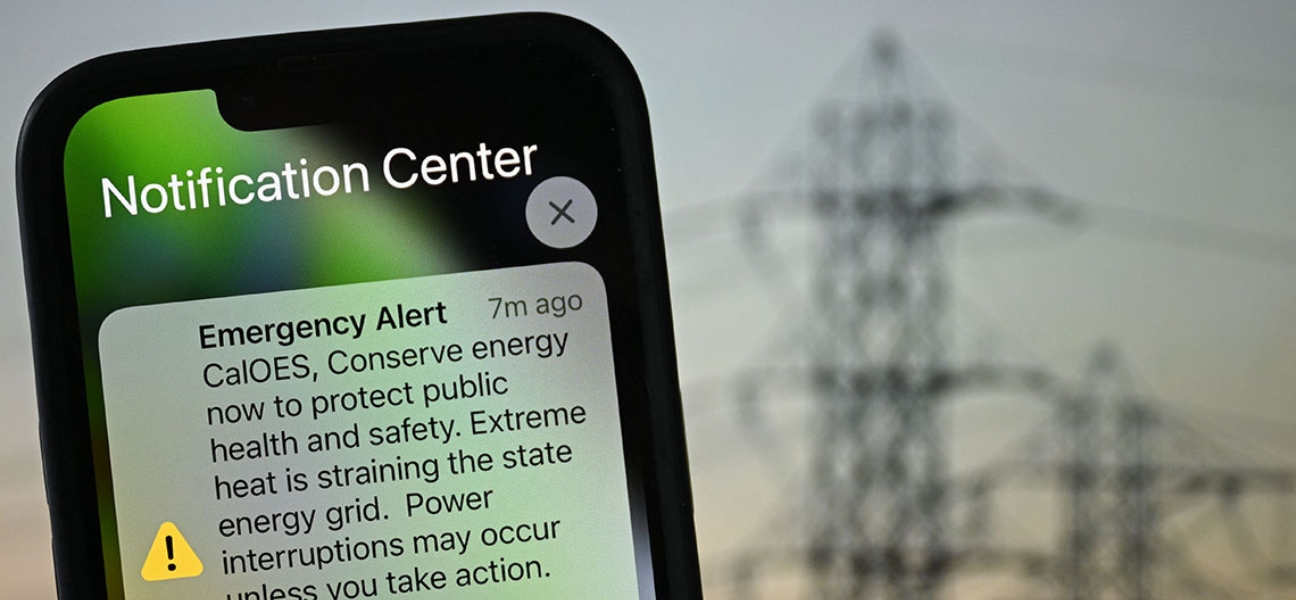
Storms move fast, and missing an alert can put you in a bad spot quickly. Whether it is a tornado warning, flash flood alert, or severe thunderstorm notice, getting that warning on time matters.
The good news is your phone and smart devices can warn you instantly without you constantly checking weather apps. In this guide, we will walk through the setup for iPhone, Android, and Alexa so you can make sure alerts are actually turned on before you need them.
And if notifications are not working, location services are acting up, or your device has connectivity issues, Pull Up® Phone Repair offers mobile phone repair and iPhone repair in Baltimore, with on site help for the settings and hardware problems that can stop alerts from coming through.
Severe weather alerts usually come through the Wireless Emergency Alerts, or WEA, system. This is a built in alert system that sends important warnings directly to compatible devices.
These alerts are delivered automatically and do not require a third party app for the basics. Depending on your settings, they can include:
They matter because they are designed to reach you in real time, even when you are not actively checking the weather.
On most Android phones, go to:
Settings → Connections → Safety and emergency → Wireless Emergency Alerts
Then turn Allow alerts on.
Once alerts are enabled, you can usually choose which types you want to receive, including:
This gives you more control without shutting the whole system off.
When an alert comes through, your phone will usually:
That is the whole point. It is meant to interrupt you if necessary.
Start here:
Settings → Privacy & Security → Location Services → Weather → Always
Then turn on Precise Location.
This helps the Weather app know exactly where you are so alerts are accurate.
Next:
Inside the Weather app, choose your location and turn on:
That gives you both urgent warnings and short term rain updates.
This one is easy. Just say:
“Alexa, tell me when there’s a severe weather alert.”
Once enabled, Alexa can give you:
It is a good extra layer if your phone is charging in another room or if the power is still on but weather is getting worse.
Built in alerts are reliable, but they do have limits. If you want more detailed radar, minute by minute timing, or live coverage, weather apps help.
Good options include:
Using both system alerts and a weather app is usually the smartest setup.
When storms knock out power, battery life becomes a big deal. Start with the basics:
Keep a portable charger ready before the weather gets bad.
A power bank with at least 20,000mAh is a smart choice if you want multiple charges during an outage. Battery matters because your phone may be your only way to get updates, call for help, or check outage information.
If alerts are not coming through, the issue is usually one of these:
If all your settings look right and alerts still are not working, that may point to a device problem instead of a setup issue.
Your settings may be turned off, location services could be disabled, or your phone may not have a strong enough signal to receive alerts consistently.
Yes, but it is not recommended. These alerts are designed for safety and can provide critical warnings when time matters most.
Yes. Once enabled, Alexa can notify you when severe weather alerts are issued for your area.
AccuWeather and The Weather Channel are two of the most popular and reliable free options.
Severe weather alerts are one of the easiest ways to stay safer during storms, and they only take a few minutes to set up. Once they are on, your devices can do the work for you when conditions change fast.
It is smart to enable alerts across more than one device, especially your phone and a smart speaker if you have one. And if your alerts are not working because of notification issues, battery problems, or connectivity trouble, Pull Up® Phone Repair offers mobile phone repair and iPhone repair in Baltimore, with on site help to make sure your device works when you need it most.