Price match guarantee - find a better deal? We'll Beat it!
.JPG)
Get your phone fixed without leaving your doorstep
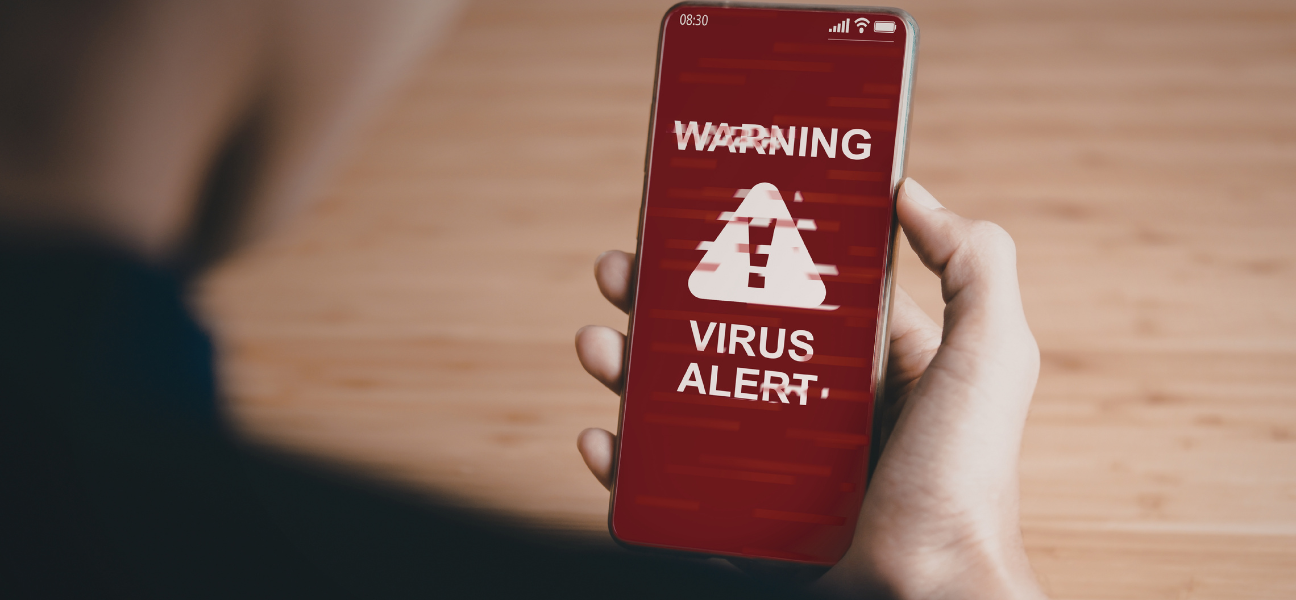
Strange popups. Random calendar alerts you never created. Battery draining way faster than normal. When your iPhone or iPad starts acting weird, it’s easy to assume you’ve picked up a virus.
Here’s the reality: true iPhone viruses are rare. But malware, scam popups, browser hijacks, and spam calendar subscriptions absolutely happen. The good news? Most of these issues are fixable without replacing your device.
This guide walks you through step-by-step removal methods and shows you when it’s time to escalate. And if your device still feels compromised, Pull Up® Phone Repair offers mobile iPhone repair and phone repair in Baltimore, with on-site malware cleanup, performance diagnostics, and security checks.
Apple’s iOS system uses a “sandbox” security model. That means apps are isolated from each other and from core system files, which makes traditional viruses extremely difficult to spread.
But there’s a difference between:
One major exception: jailbreaking your device removes Apple’s security protections and increases your risk significantly.
Watch for these red flags:
Most of the time, these are browser-based or app-related — not a system-wide infection.
Start simple.
Power off your device, wait 30 seconds, then turn it back on.
A restart clears temporary scripts or cached processes that may be triggering popups. It’s not a permanent solution, but it’s a smart first step.
Malware often hides in browser data.
Go to Settings → Safari → Clear History and Website Data.
This removes malicious scripts, cookies, and cached files tied to scam sites.
Open Chrome → tap the three dots → History → Clear Browsing Data.
Select Cookies and Cached Images and Files, then confirm.
Clearing browser data removes most pop-up based threats.
If you see apps you don’t recognize, remove them.
Press and hold the app → tap Remove App → Delete App.
Rogue apps can trigger popups, redirect you to scam websites, or drain your battery.
Calendar spam is common and often mistaken for a virus.
Go to Settings → Calendar → Accounts → Subscribed Calendars.
Delete any account you don’t recognize. iPhones do not come with preloaded subscription calendars, so unknown entries are suspicious.
If the issue started recently, restoring from a clean backup can fix it.
Check your backup date under Settings → Apple ID → iCloud → iCloud Backup.
Restore from a backup created before the suspicious behavior began. Be careful — restoring from a backup made after infection may bring the problem back.
If nothing works, a full factory reset may be necessary.
This:
Always back up first if possible. Treat this as a final step before replacing your device.
How to Protect Your iPhone or iPad from Future Malware
Prevention is simple:
Most “virus” scares come from scam websites, not real infections.
Sometimes it’s not malware at all.
Common misdiagnoses include:
If your device is still overheating, lagging, or draining rapidly after cleanup, you may need professional diagnostics.
Traditional viruses are rare due to Apple’s security design, but malware and scams can still affect your device.
Most users don’t. Apple’s built-in security is strong, and browser hygiene is usually enough.
You likely subscribed to a malicious calendar through a website or popup.
Yes, a factory reset removes almost all malware — but it deletes your data as well.
Most iPhone “viruses” aren’t true system infections — they’re browser-based scams or spam subscriptions. Start with simple fixes before assuming the worst.
If your device still feels compromised or unstable, Pull Up® Phone Repair offers mobile iPhone repair in Baltimore, providing on-site diagnostics for malware, performance issues, and security concerns so you can get back to normal fast.