Price match guarantee - find a better deal? We'll Beat it!
.JPG)
Get your phone fixed without leaving your doorstep
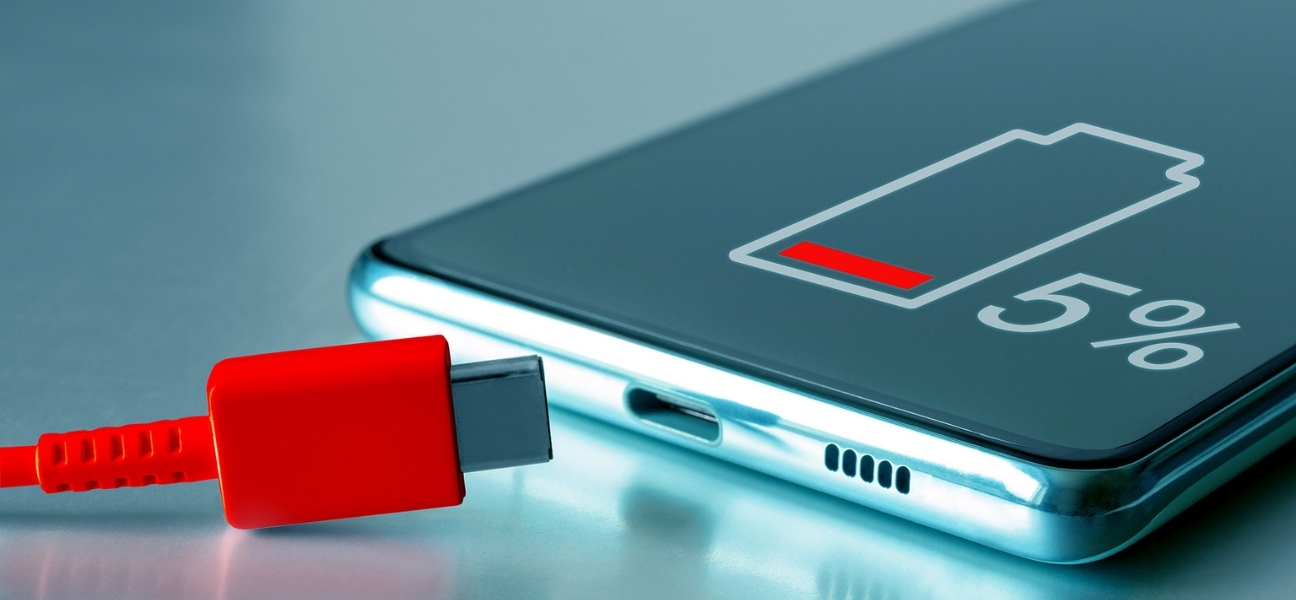
If your Android phone shuts off randomly, lags badly, or only works when it’s plugged in, you’re not imagining things. Battery issues show up in frustrating ways — one minute your phone seems fine, the next it’s dead or crawling along.
What makes this worse is how unpredictable it feels. You might blame an app, a recent update, or your carrier, when the real issue is the battery struggling behind the scenes.
Battery problems often disguise themselves as “slow phone” or “software issues,” even when nothing is wrong with the system at all. And while it’s annoying, it’s also normal. Android phone batteries degrade over time — it’s part of the device’s lifespan, not something you did wrong.
If you’re unsure whether it’s the battery or something else, Pull Up® Phone Repair offers mobile phone repair in Baltimore, testing your battery on-site before recommending a fix so you don’t replace parts you don’t need.
Most Android phone batteries last 2 to 3 years under normal use. Some last longer, but every lithium-ion battery slowly loses capacity over time.
Certain habits speed up that process:
Because batteries fade gradually, what feels like a “sudden” failure is usually months of decline finally reaching a breaking point.
Apps take longer to open, taps lag, and scrolling feels choppy. A weak battery can’t deliver consistent power, so the phone throttles performance to protect itself — even when it shows a high charge.
If your phone drains quickly after charging, shuts down at 30%, 40%, or even higher, or needs multiple charges a day, the battery is no longer reliable.
A major red flag is a phone that only stays on while plugged in.
Heat during charging isn’t normal. It’s a warning sign.
If the phone gets hot or the screen or case looks slightly warped, the battery may be swelling. Swollen batteries are a safety risk and should never be handled at home. This is not a DIY situation.
You can get a basic snapshot of battery behavior through your settings.
Go to Settings → Battery → Battery usage.
Pay attention to:
Android doesn’t always show a clear “battery health percentage,” so these signs help tell the story — but they don’t always confirm the full picture. When symptoms persist, testing alone isn’t enough.
A few adjustments can help slow battery drain:
These steps can buy you time, but they won’t restore a battery that’s already failing.
Modern Android batteries are sealed inside the phone — they’re no longer simple pop-out parts.
Common DIY mistakes include puncturing the battery, causing swelling, lifting the screen, or damaging internal connectors. Lithium batteries are sensitive and can be dangerous if mishandled.
Professional replacement isn’t just about convenience — it’s about safety.
If your battery still drains quickly after optimization, your phone overheats regularly, or random shutdowns continue, it’s time for a proper diagnosis.
When performance doesn’t improve with software fixes, the battery is usually the limiting factor.
Mobile repair removes the guesswork. On-site testing confirms whether the battery is truly the problem or if something else is at play.
It’s faster than shipping your phone or waiting in a store, costs far less than buying a new device, and fits easily into work-from-home schedules and busy days.
Battery issues are common, fixable, and often misunderstood. Recognizing the signs early can save you time, money, and frustration.
If your Android phone is struggling, don’t ignore the warnings. Pull Up® Phone Repair provides mobile Android phone repair in Baltimore, bringing safe, professional service directly to you. We come to you, test first, and fix what actually needs fixing — quickly and safely.