Price match guarantee - find a better deal? We'll Beat it!
.JPG)
Get your phone fixed without leaving your doorstep
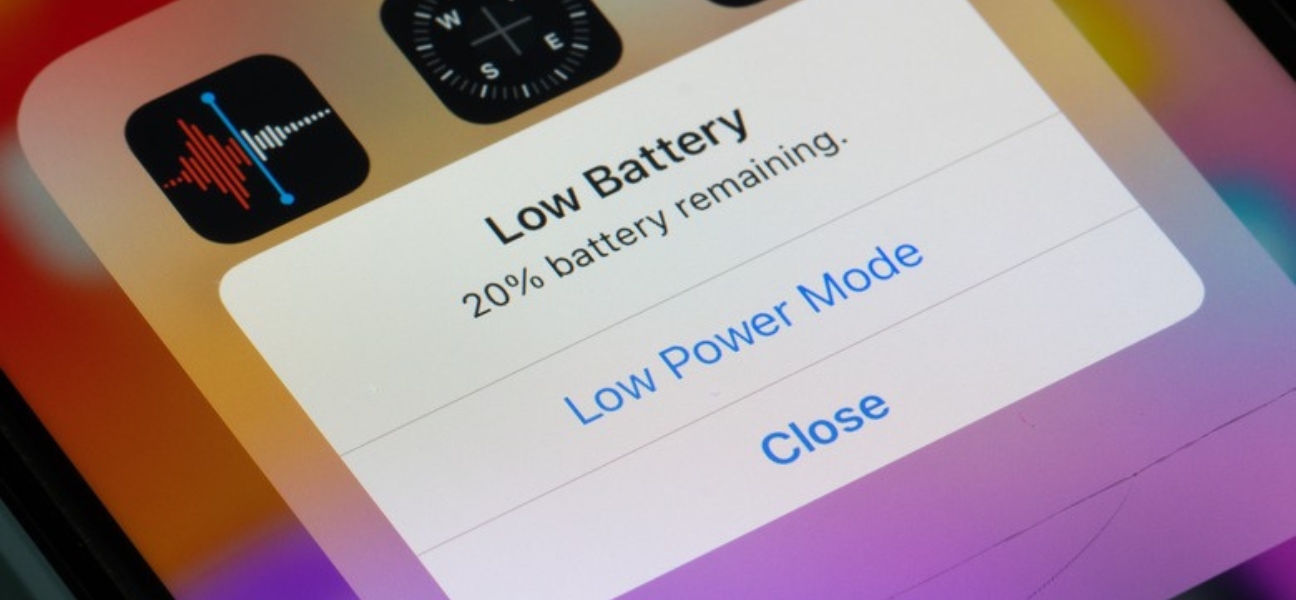
It always starts the same way. Your battery drops low, Low Power Mode turns on automatically, and suddenly your phone feels slow, laggy, or straight-up broken. Apps take longer to open, notifications don’t come through on time, and everything just feels off.
Low Power Mode is actually doing its job — it’s designed to stretch your battery when you need it most. But the tradeoff is reduced performance, limited background activity, and features quietly turning off behind the scenes. That’s why so many people think something is wrong with their phone when it’s really just power-limited.
If your phone still feels sluggish even after adjusting settings, that’s where expert help matters. Pull Up® Phone Repair provides fast, mobile iPhone repair in Atlanta, diagnosing battery and performance issues right at your location.
Low Power Mode (called Battery Saver on Android) is a built-in feature that reduces how much power your phone uses to keep it alive longer.
It automatically turns on when your battery drops to a certain percentage — usually around 20% — or when you’ve enabled it manually. To save power, your phone limits background activity, lowers performance, dims the screen, and pauses non-essential features.
Because these changes happen quietly, many users assume their phone is malfunctioning. In reality, the phone is working exactly as designed — just with performance restrictions in place.
Turning off Low Power Mode instantly restores normal performance.
Step-by-step:
When Low Power Mode is active, your battery icon turns yellow. Once it’s off, the icon returns to its normal color — a quick visual confirmation that your phone is back to full performance.
Apple devices will also automatically disable Low Power Mode once the battery reaches roughly 80% charge, so simply plugging in can sometimes solve the issue.
Android devices use Battery Saver instead of Low Power Mode.
Quick method:
Settings method:
Many Android phones offer Standard and Extreme Battery Saver. Extreme mode pauses nearly all apps and background activity, which can make the phone feel unusable. Android also allows scheduling Battery Saver to turn on automatically at specific percentages like 20% or 40%.
Low Power Mode affects more than just battery life:
All of this adds up to a phone that feels “glitchy” or broken — even though nothing is technically wrong.
It makes sense to turn Low Power Mode off when:
If your phone constantly drops into Low Power Mode or feels slow even at higher battery levels, that can point to deeper issues such as:
If you want longer battery life without sacrificing usability, try these instead:
The goal is balance — conserving energy without turning your phone into a sluggish experience.
Low Power Mode isn’t always the culprit. You may be dealing with a hardware issue if:
At that point, a professional diagnosis is the fastest way to avoid further damage.
Low Power Mode is useful, but it’s also commonly misunderstood. It can make a perfectly healthy phone feel slow, unresponsive, or broken — and it often hides the real issue underneath.
If performance problems keep coming back, don’t ignore them. Pull Up® Phone Repair offers fast, mobile phone repair in Atlanta, bringing expert diagnostics and repairs straight to your home or job. No waiting rooms. No guesswork. Just answers and fixes that work.