Price match guarantee - find a better deal? We'll Beat it!
.JPG)
Get your phone fixed without leaving your doorstep
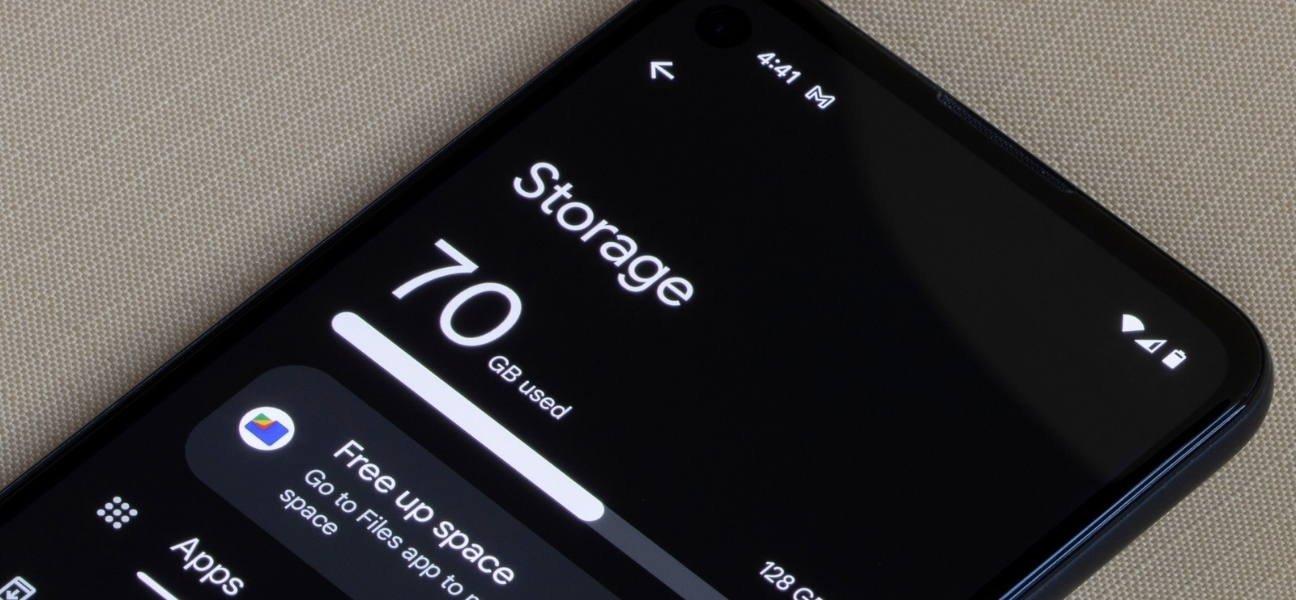
You’re downloading an app and suddenly get hit with the dreaded “Storage Full” warning. That’s confusing — your phone felt fine yesterday. You didn’t add anything big, so how did it fill up so fast?
The truth is, phone storage fills quietly over time. Apps update, photos and videos pile up, messages keep attachments, and system data grows in the background. It adds up without you noticing.
Knowing the difference between total storage and available storage matters more than most people realize. When free space runs low, phones don’t just stop downloading apps — they slow down, freeze, and start acting unreliable.
If your phone already feels sluggish or disorganized, you don’t have to guess what’s wrong. Pull Up® Phone Repair provides mobile phone repair, diagnosing storage, performance, and slowdown issues on-site so you know exactly what’s eating up space and why.
Low storage doesn’t just block downloads — it affects how your phone runs.
When space drops too low, apps can crash, phones lag, and system updates may fail. Your device needs free space to manage background processes, temporary files, and security updates.
Once storage dips below roughly 25% free, performance often takes a noticeable hit. That’s why phones feel slower even when you’re not installing anything new.
To see your storage on an iPhone:
Go to Settings → General → iPhone Storage.
You’ll see a visual breakdown showing how much space is used and how much is still available. Apple also sorts storage into categories, including:
Some categories, like iOS and System Data, can’t be deleted. These files are required for the phone to function and include system resources, caches, and background services.
On most Android phones:
Go to Settings → Storage.
On Samsung devices, use Device Care or Device Maintenance → Storage.
Android also provides a visual breakdown of used and available space, grouped into categories such as:
Tapping into each category shows exactly what’s taking up the most room.
Not all storage is created equal.
System storage contains essential operating system files and can’t be deleted. “Other” or “Miscellaneous” data usually includes cached files, temporary data, and leftover app files.
These categories grow slowly as you use your phone. While you can’t delete them directly, removing apps, clearing caches, and deleting media often shrinks system-related storage indirectly.
Your storage settings are your best tool.
Sort items by size to quickly spot large apps, videos, and files. These are usually the fastest wins when freeing space. One oversized app or a few long videos often account for a surprising amount of storage.
Start with the basics:
If you don’t want to delete everything, move files off your phone instead. Transferring photos, videos, or documents preserves your data without clogging internal storage.
iCloud lets you store photos and files in the cloud while keeping smaller versions on your device. Upgrading storage can make sense if you rely heavily on photos or video.
Android supports cloud services like Google Drive and Dropbox. Many models also allow SD cards, which offer affordable expandable storage without monthly fees.
Cloud storage offers convenience and access anywhere, while physical storage avoids subscriptions. The right choice depends on how you use your phone.
If your phone is still slow after freeing space, or storage fills back up unusually fast, something else may be going on.
Warning signs include apps crashing, updates failing repeatedly, or system data growing out of control. These issues often require deeper diagnosis beyond basic cleanup.
Knowing how much storage your phone has — and what’s using it — helps prevent slowdowns, crashes, and daily frustration. A quick storage check every so often can keep your phone running smoothly.
If your phone still struggles after cleaning things up, don’t guess. Pull Up® Phone Repair offers mobile, on-site phone repair in Baltimore, diagnosing storage and performance problems where you are. No waiting. No trial and error. We come to you and fix what’s actually wrong.