Price match guarantee - find a better deal? We'll Beat it!
.JPG)
Get your phone fixed without leaving your doorstep
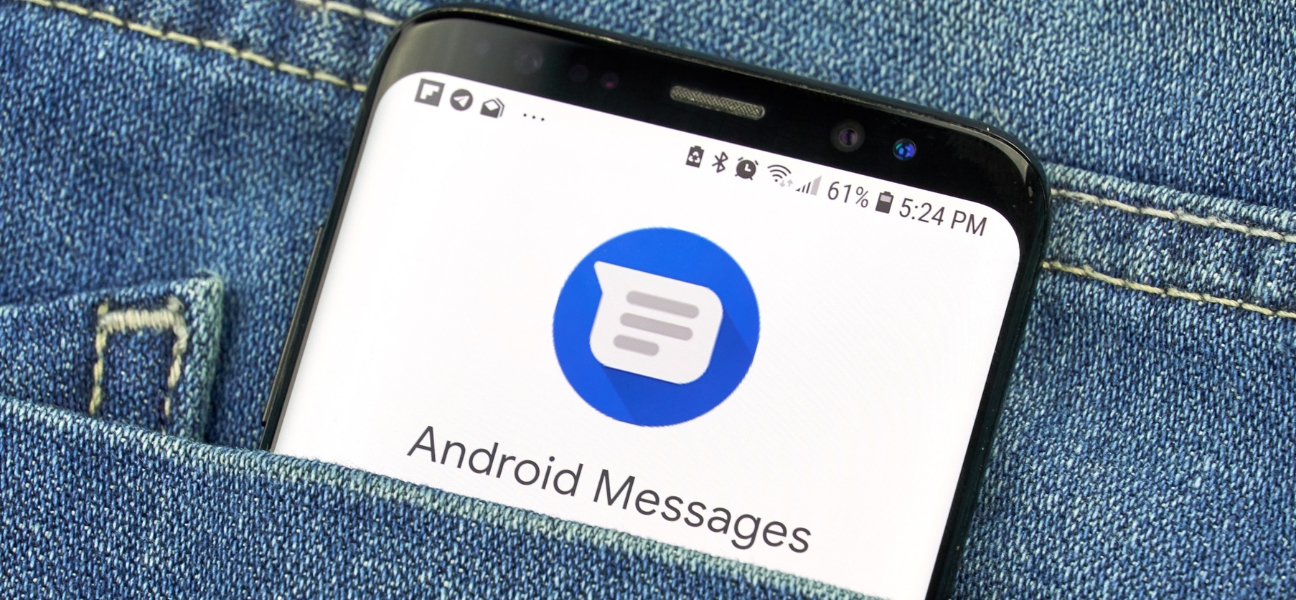
Missing texts from iPhone users is one of those problems that is easy to overlook at first, especially in group chats. Then you realize you missed plans, photos, or an important message because it never showed up.
The good news is this usually is not a broken phone. Most of the time, it is a messaging setup issue, an old Apple account conflict, or a network problem. And in many cases, it is fixable in just a few minutes.
This guide walks you through the most common fixes to get messages flowing again. And if the issue turns out to be deeper than settings, Pull Up® Phone Repair offers mobile phone repair in Baltimore, with on site help for messaging, SIM, and network problems.
Android phones and iPhones use different messaging systems.
Apple uses iMessage, while Android relies on SMS and MMS, with RCS added on newer devices. Problems usually happen when Apple still thinks your number belongs to iMessage instead of standard texting.
This is especially common after:
That is why the problem often has more to do with account routing than the phone itself.
If you still have access to your old iPhone, this is the first thing to try.
If the old iPhone is gone, use Apple’s Deregister iMessage tool online.
This stops Apple from trying to send your texts through iMessage and forces messages to route correctly through SMS or MMS to your Android phone.
Sometimes the issue is not just the old iPhone. Old iPads, Macs, or other Apple devices may still be signed in and receiving messages instead.
Check any Apple devices tied to your number and:
If Apple still sees your number tied to one of those devices, messages can keep going there instead of to your Android.
Open your messaging app and go to Messages → Settings. Make sure RCS or Chat features is turned on.
RCS improves compatibility with modern messaging features and helps Android handle media, typing indicators, and newer cross platform message behavior more smoothly.
It will not solve every iPhone issue, but it helps keep your Android messaging setup current.
Before going deeper, make sure your basic messaging setup is correct.
Check that:
A small settings issue can stop texts just as easily as a bigger one.
Start with a few quick resets:
If that does not work, reset your network settings. This clears hidden connection glitches that may be interfering with message delivery.
Texting problems often come from carrier handoff issues, SIM registration problems, or bad network settings. A reset forces the phone to reconnect cleanly.
Go to Settings → Apps → Messages → Storage → Clear cache.
This removes corrupted app data without deleting your actual messages. It is a safe way to fix stuck, delayed, or undelivered texts.
Some texting problems come from the carrier side.
Large media messages can fail. MMS group chats can break. And temporary network outages or delays can stop messages from arriving at all.
If the problem continues after the basic fixes, contact your carrier and ask whether there are known SMS or MMS issues on the line.
Group chats are one of the most common places this problem shows up.
Old iMessage group threads do not always convert correctly once one person moves to Android. Mixed iPhone and Android groups can get stuck trying to use the wrong message type.
The simplest fix is to ask someone in the group to start a new group chat. That forces the thread to rebuild properly and usually restores message delivery.
If you are not receiving any texts at all, the problem may be larger than messaging settings.
Warning signs include:
At that point, it makes more sense to stop guessing and get a proper diagnosis.
Your phone number may still be linked to iMessage instead of SMS or MMS.
Turn iMessage off on your old iPhone, or use Apple’s online Deregister iMessage tool.
RCS is the newer messaging standard for Android. Yes, you should usually keep it turned on.
No. It only removes saved WiFi networks, Bluetooth pairings, and related network settings.
Old iMessage threads often do not convert properly when an Android number is added or switched in.
Most Android and iPhone texting issues come down to iMessage conflicts, network settings, or messaging setup problems. The smartest move is to fix iMessage first, then work through Android messaging and network checks.
If texts still are not coming through, Pull Up® Phone Repair offers mobile phone repair in Baltimore, with on site help for SIM issues, network problems, and messaging glitches that go beyond basic settings.